
Engineering prototype · bolt-on acquisition
Prober Information Box
A prober that has run in a fab for fifteen or twenty years still moves accurately, but its data stays inside it: output, cumulative probe-card touchdowns and wafer geometry are locked in the machine, to be copied out by hand or written off with the tool. The information box is a bolt-on acquisition unit - the prober itself is untouched, one link to the machine and one to the plant network - and what the machine already knows is read out and presented with its source stated. A field that cannot be read says so rather than being filled in by inference: the value of an old machine is that it still works, not that it can be dressed up as new.
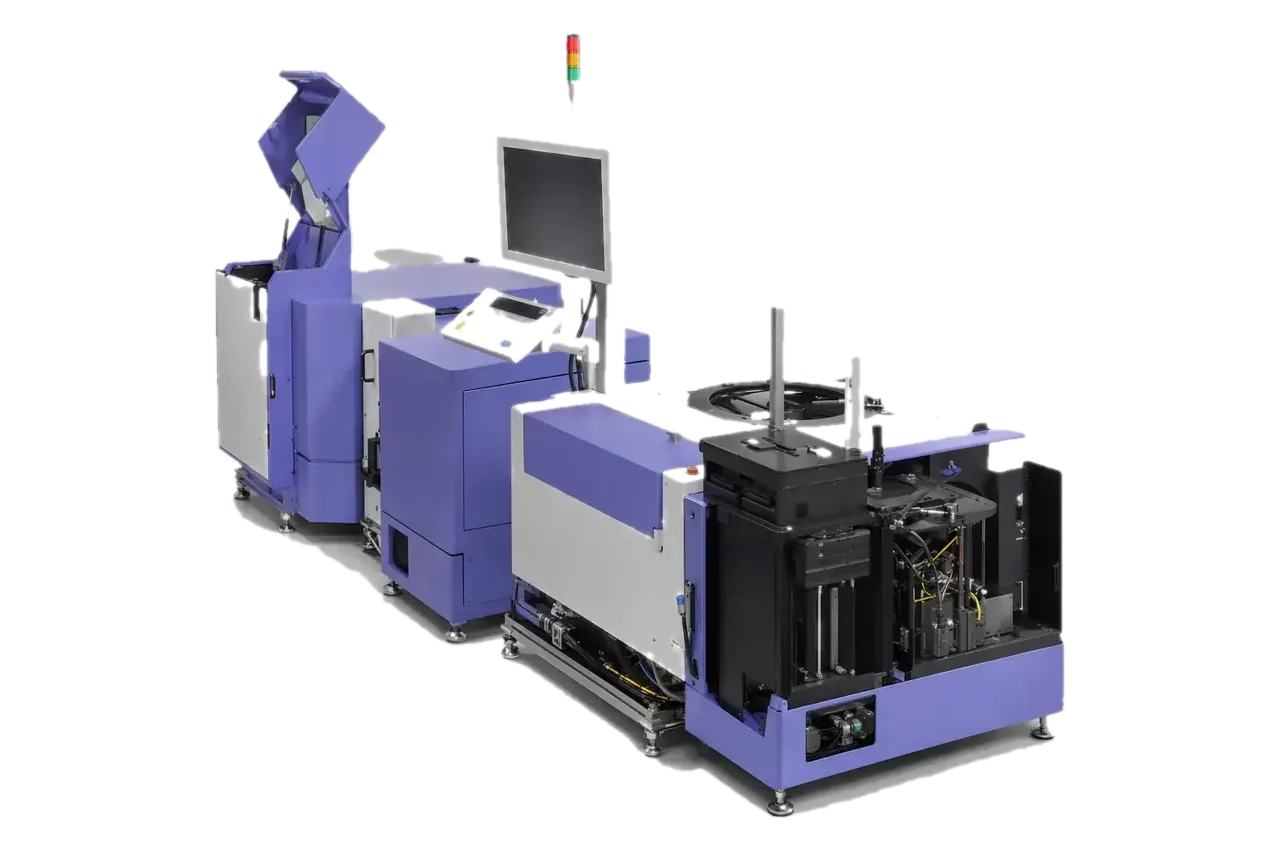
Prober category visual. The unit's form and integration follow the machine model on site.
The same points in words
- Stage
- Sources graded on every page
- Integration
- One link to the tool, one to the plant
- Sources
- Geometry, counters, card counts
- Honesty
- Unverified sources lock the page
Equipment and engineering solution
Applications
Designed for the following probe card manufacturing, test and maintenance tasks.
Data for legacy tools
Probe-card usage history
Remote status view
The same points in words
- Data for legacy tools
- Give in-service probers without modern data interfaces a readable set of run facts.
- Probe-card usage history
- Read accumulated touchdown and cleaning counts to support card change and cleaning decisions.
- Remote status view
- Watch the machine screen and counters from the plant network instead of walking to the tool.
SPECIFICATIONS
Specifications
The final configuration follows the card, interfaces, site conditions and acceptance items.
See the full specification table
| Item | Specification / configuration | Notes |
|---|---|---|
| Barcode entry | USB scanner relayed into the machine's native barcode port | See the barcode entry project |
| Source grading | Each page marked live, machine-config snapshot, local config, offline or reference | Reference pages disable their controls |
| Module honesty contract | Each module declares what is implemented, what is not inferred and what it depends on | Metrics that cannot be computed say so instead of approximating |
| Interface languages | Chinese, Japanese, English, Korean | For multilingual floors |
| Hardware form | ARM64 embedded compute unit with capture and serial peripherals | Exact model and deployment form confirmed per site |
WORKFLOW
Workflow
01 Machine and interface survey
02 Source validation
03 On-site trial
04 Delivery definition
The same points in words
- Machine and interface survey
- Confirm the model, the usable interfaces and the plant network conditions.
- Source validation
- Verify the configuration card, run counters and barcode paths one by one.
- On-site trial
- Observe data and stability at real production rhythm.
- Delivery definition
- Set acquisition scope, deployment form and support from the trial results.
FAT / SAT
Project delivery
Sample evaluation
Technical agreement
FAT
SAT
The same points in words
- Sample evaluation
- Confirm the object, interfaces, current state, failure modes and available validation samples.
- Technical agreement
- Define configuration, measurement method, limits, takt, data interfaces and responsibilities.
- FAT
- Verify functions, repeatability, reporting and exception handling with agreed samples.
- SAT
- Complete site integration, training, upstream/downstream interfaces and issue closure.
CONFIGURATION
Configuration and acceptance
System configuration, optional items and acceptance conditions are summarized below.
Stage discipline
Every page states the grade of its source and locks itself when that source cannot be established, rather than filling the gap in; the maturity badge on the page says it is still an engineering build.
Integration boundary
Acquisition is bolt-on and does not modify the machine's control software; what can be read depends on the model and its interfaces and is confirmed machine by machine.
Data boundary
Pages are graded by data source and unconnected modules stay locked. Inferred values never stand in for measured ones, and no compliance certification or factory-system reporting on the machine's behalf is claimed.
Share the card, interfaces and target
Send the sample, installed equipment, current issue and target takt. We will acknowledge receipt within one business day.